Hi Bricksforge Team,
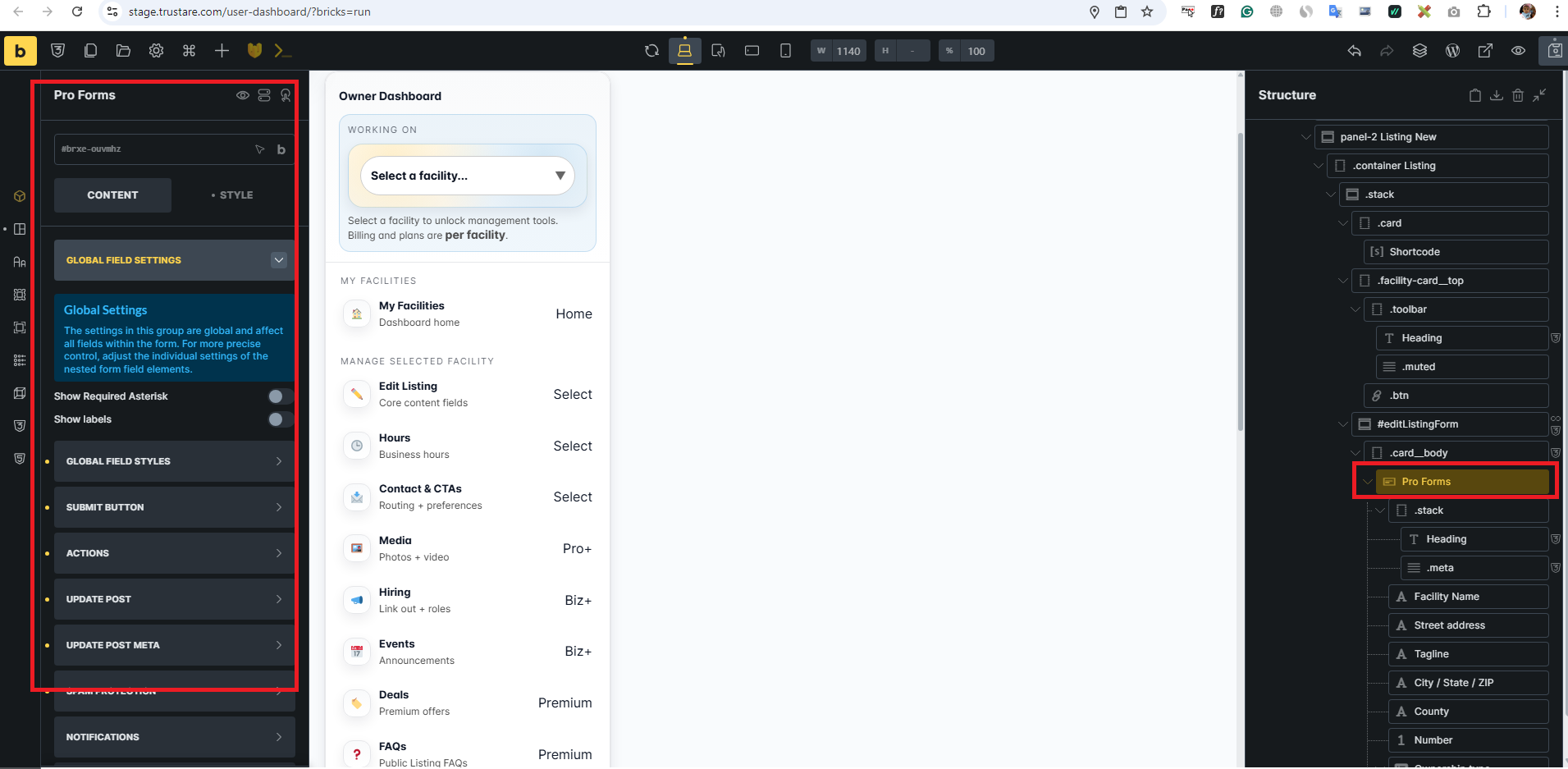
I’m currently facing an issue with the Bricksforge Pro Form (Update Post action) when used inside a dynamic dashboard layout.
Setup Overview:
- I have a custom user dashboard page built with Bricks.
- Left side: Facility selector (dropdown via shortcode)
- Right side: Tab-based panels (no page reload)
- One of the tabs contains a Bricksforge Pro Form used to update a post.
 Workflow:
- User selects a facility from the dropdown (stored in
localStorage) - User clicks on a tab (e.g., “Edit Listing”)
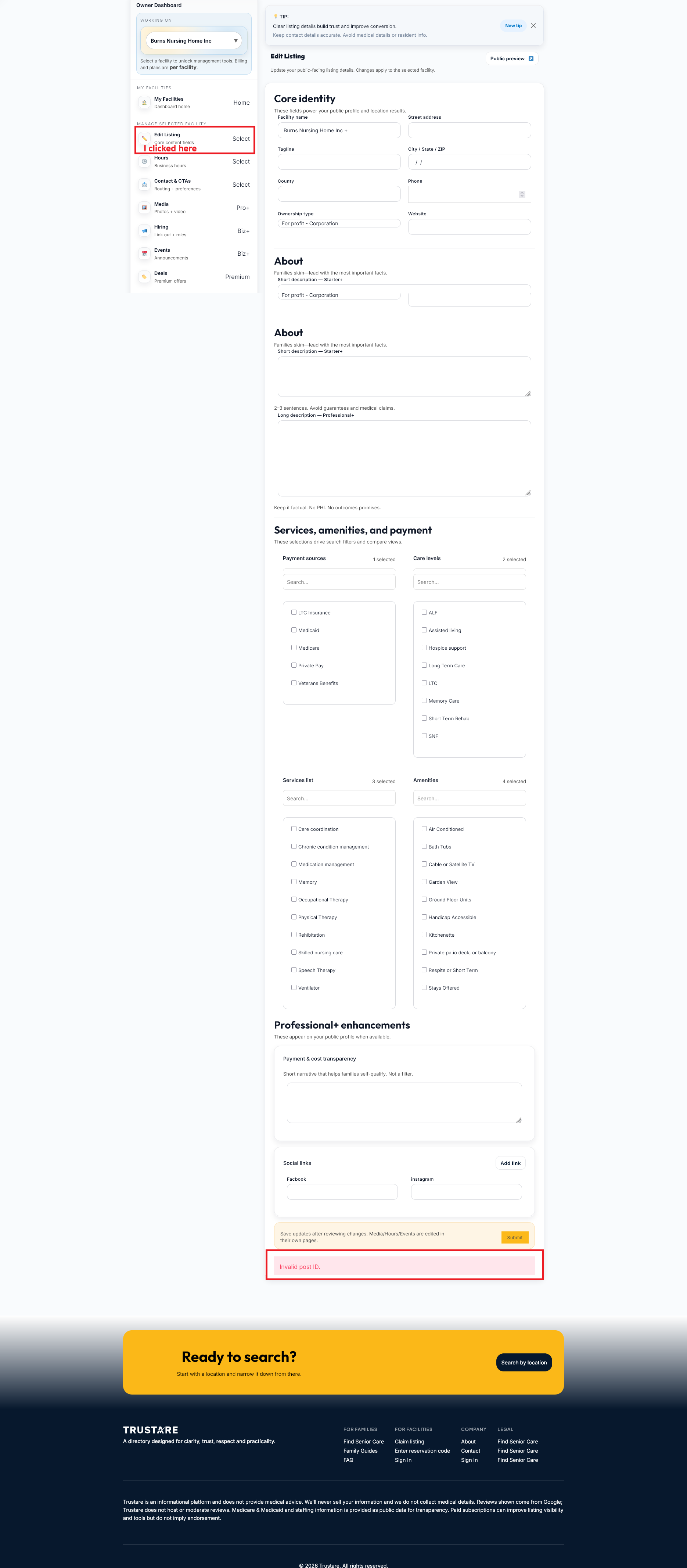
- The right panel loads a form (Bricksforge Pro Form)
- Form includes a hidden field:
name: my_post_id
value: dynamically set via JavaScript (from selected facility ID)
- In the form settings:
- Update Post ID:
{{my_post_id}} - Update Post Meta also uses:
{{my_post_id}}
Issue:
When submitting the form from this panel:
I get: “Invalid Post ID”
Important Observations:
- The same form works perfectly when used inside a single post page
- The issue ONLY happens inside the dashboard (AJAX/tab-based layout)
- The hidden field is correctly populated via JS before submission
- No page reload is happening (SPA-like behavior)
What I Suspect:
It seems like:
- Bricksforge may not be recognizing dynamically injected values (via JS)
- Or the form is being initialized before the hidden field value is updated
- Possibly a timing or hydration issue in AJAX/tab environments
My Questions:
- Is there a recommended way to pass dynamic Post ID in AJAX/tab-based layouts?
- Should I use a different method (e.g., query string, data attributes, or custom hook)?
- Is there any known limitation with using forms inside tabbed or dynamically rendered panels?
Goal:
I want to dynamically update different posts using the same form, based on user selection — without reloading the page.
I’d really appreciate your guidance on the correct approach.
Thanks in advance!