Does anyone get janky as hell results using the Pro forms elements:
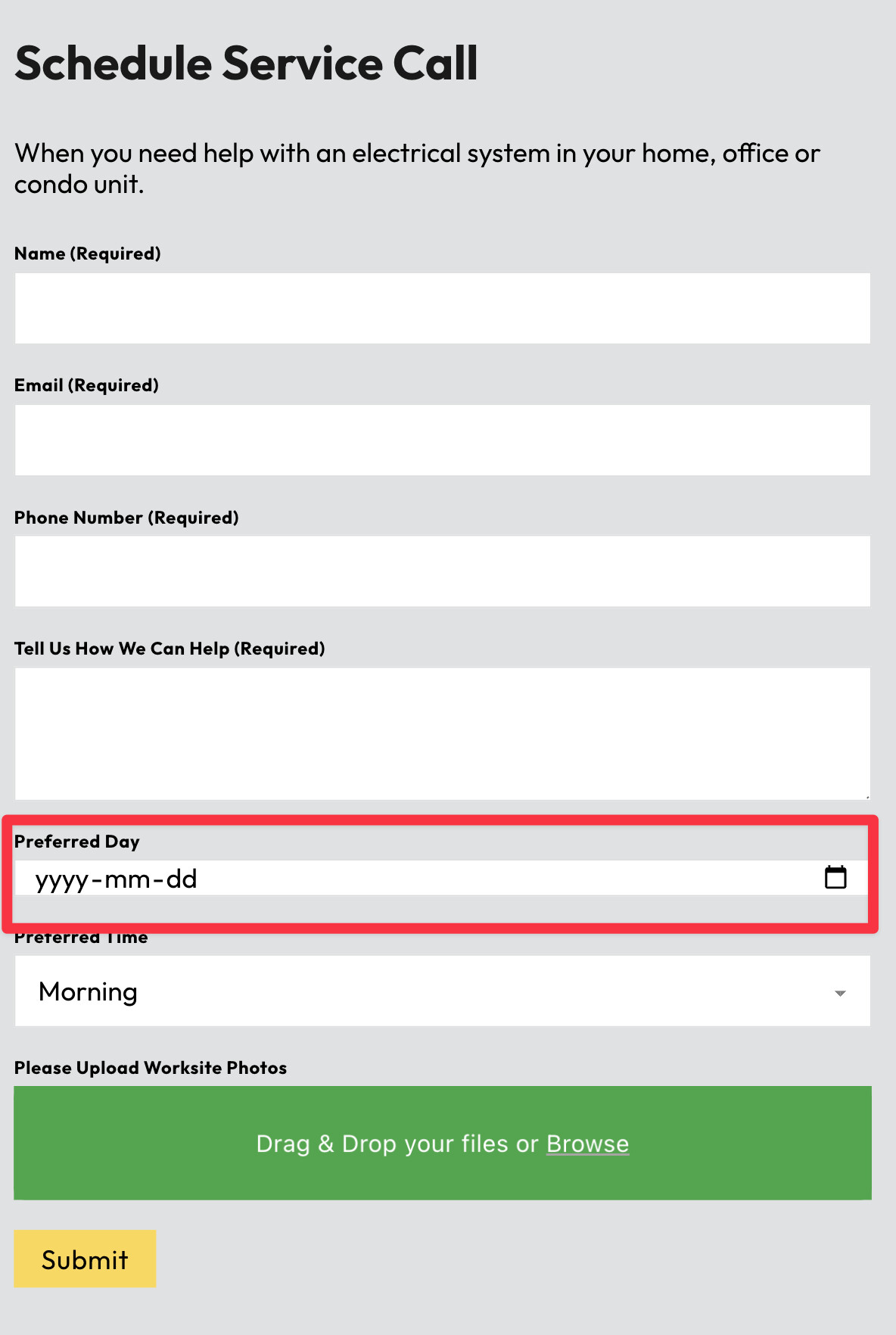
Date Picker:
When a Pro Forms multi-step form includes the Date Picker field, submitting the form causes a full page reload/flash and scrolls back to the top (native navigation). This happens reliably in Firefox Private Browsing and can occur in Chrome Incognito. Removing the Date Picker field eliminates the issue immediately (same form/actions/settings otherwise). Re-adding the Date Picker brings the reload/jank back.
Select Field:
Add select elements to my form, and my two column layout that worked fine before just explodes.
I thought Bricksforge was supposed to be reliable. I’ve burned so much time trying to put basic elements on the page.
that definitely sounds unusual. The Date Picker should not trigger a native page reload by itself, and a Select field should also not break a two-column layout in normal conditions.
Since both issues sound like side effects, the first thing I’d check is whether another plugin, optimization script, custom JS, or browser extension is interfering with the form behavior. Especially with date picker scripts, select styling libraries, caching/minification, or AJAX/form handling scripts, this can sometimes lead to unexpected results.
Please try the same form in a clean test setup with only Bricks and Bricksforge active.
Let us know what happens in a clean setup, ideally with a small test page where the issue can be reproduced
Hi Daniele,
It seems to be the WPRocket > Load JS Deferred setting that’s causing me grief. But it’s odd because I already added bricksforge to the list of exclusions and I still get issues. So i’m not really sure how to proceed other than to toggle that setting off entirely.
then the exclusion most likely isn’t being applied correctly yet and you’ll need to revisit the WP Rocket configuration there.
I’ll mark this as “No Bug”, since Bricksforge itself is working normally here. JS Deferred is generally a very delicate optimization setting and can easily cause JavaScript-based functionality to break if scripts are delayed in the wrong order or excluded incompletely.
Unfortunately, getting these optimizations configured correctly can sometimes be quite tedious and requires a bit of trial and error with exclusions in WP Rocket.
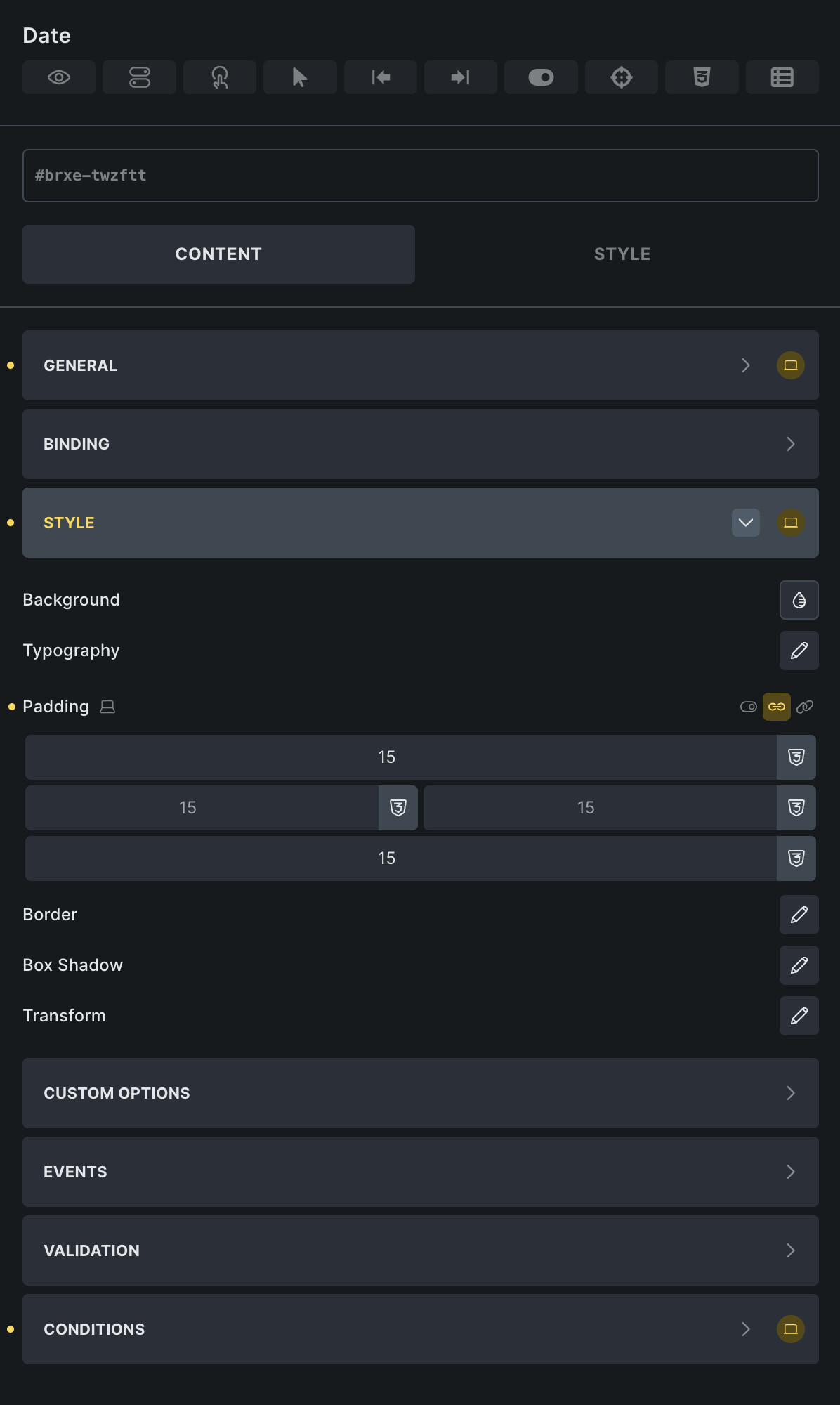
Date fields should react for your padding values, but as I see in the screenshot, the date field is not getting initialized correctly. Seems to be the same wp rocket issue as before.