Pro Form: Number field

I’m using the Numer field in Pro Forms

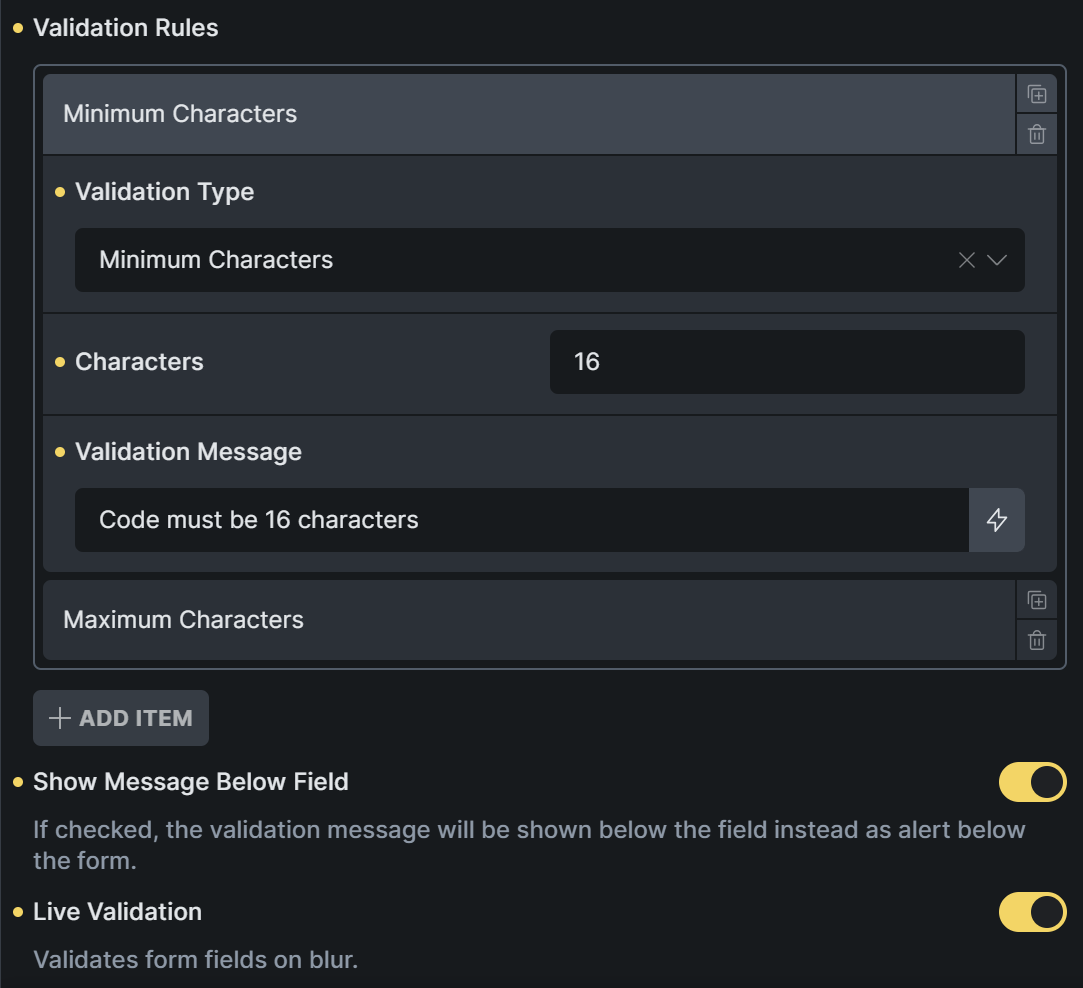
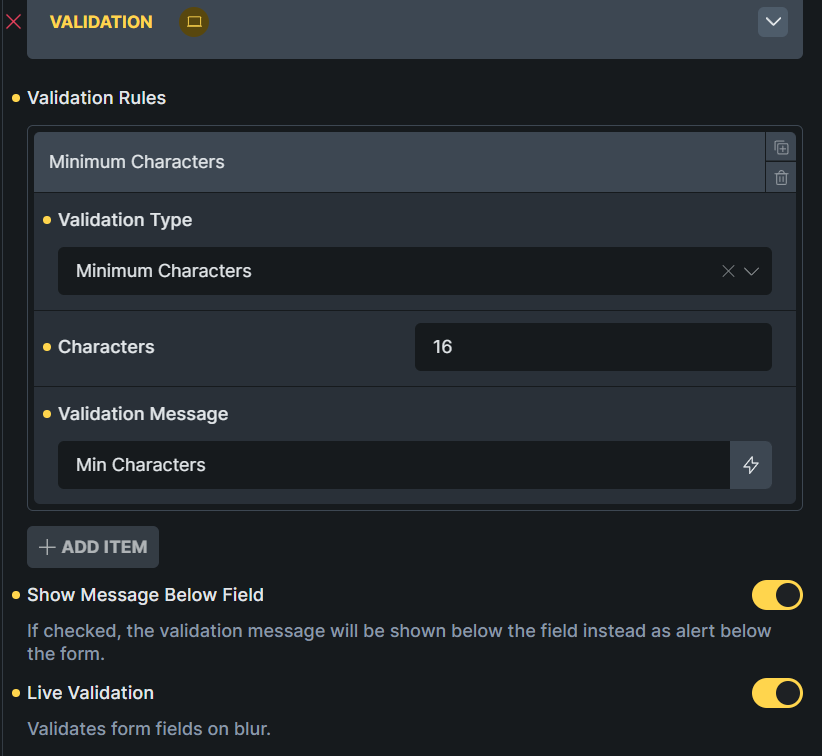
and I want the field to be a required field so that you cannot submit the form if the field is empty. The number field settings I have set:


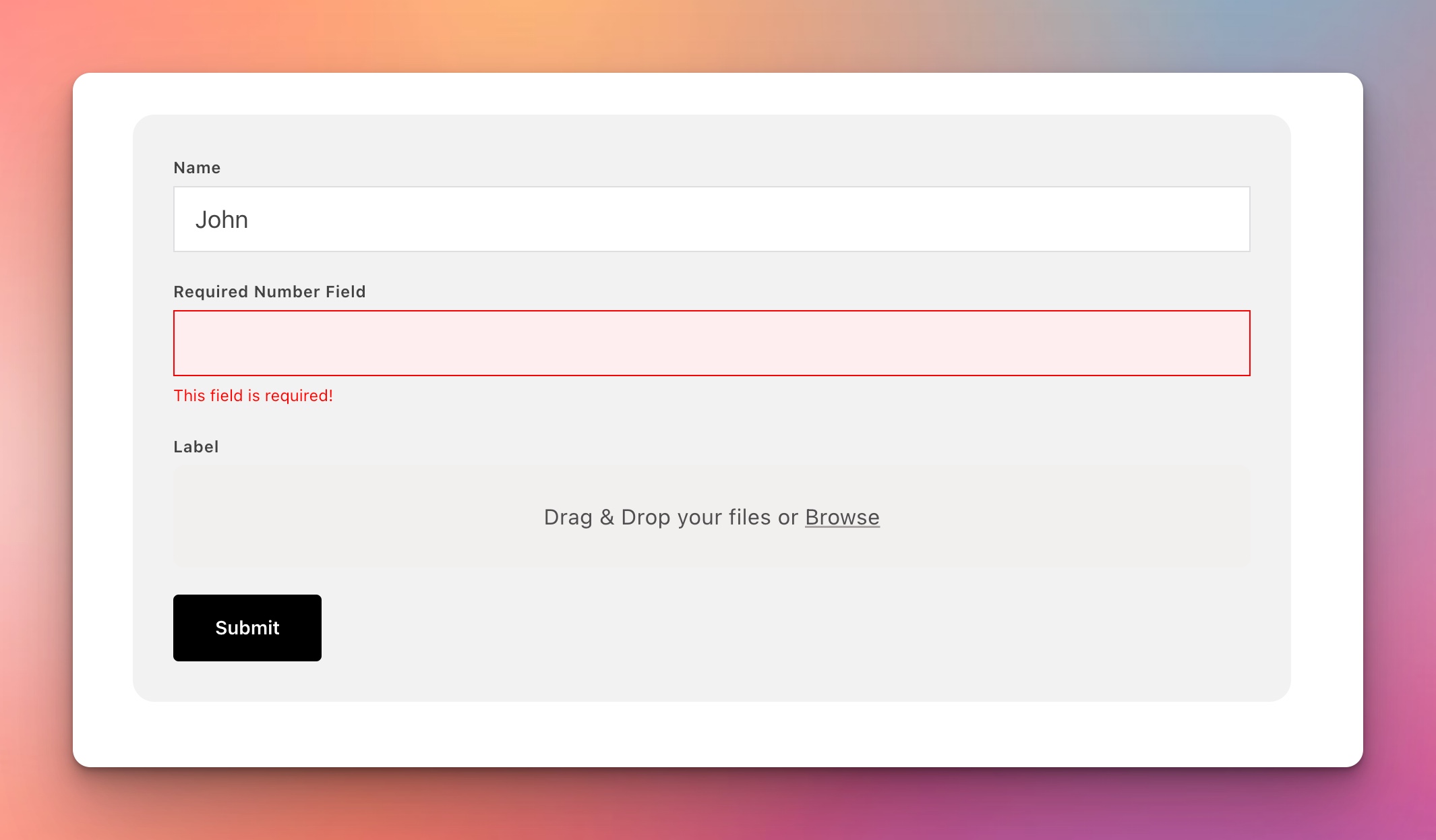
Even with these settings above, I’m able to submit the form if the field is empty. Normally, only the if the toggle “Required” is ON, you shouldn’t be able to submit. I’ve tried restricting the field characters as shown in the screenshot, in case it forces the “required” state to the field, but nothing works.

1 Like

Hey :slight_smile:

Unfortunately, I cannot reproduce it. I have set this “Number” field to “Required”. Tried it with and without separate Validation logic. In any case, I am not able to submit the form without filling this field with a number.

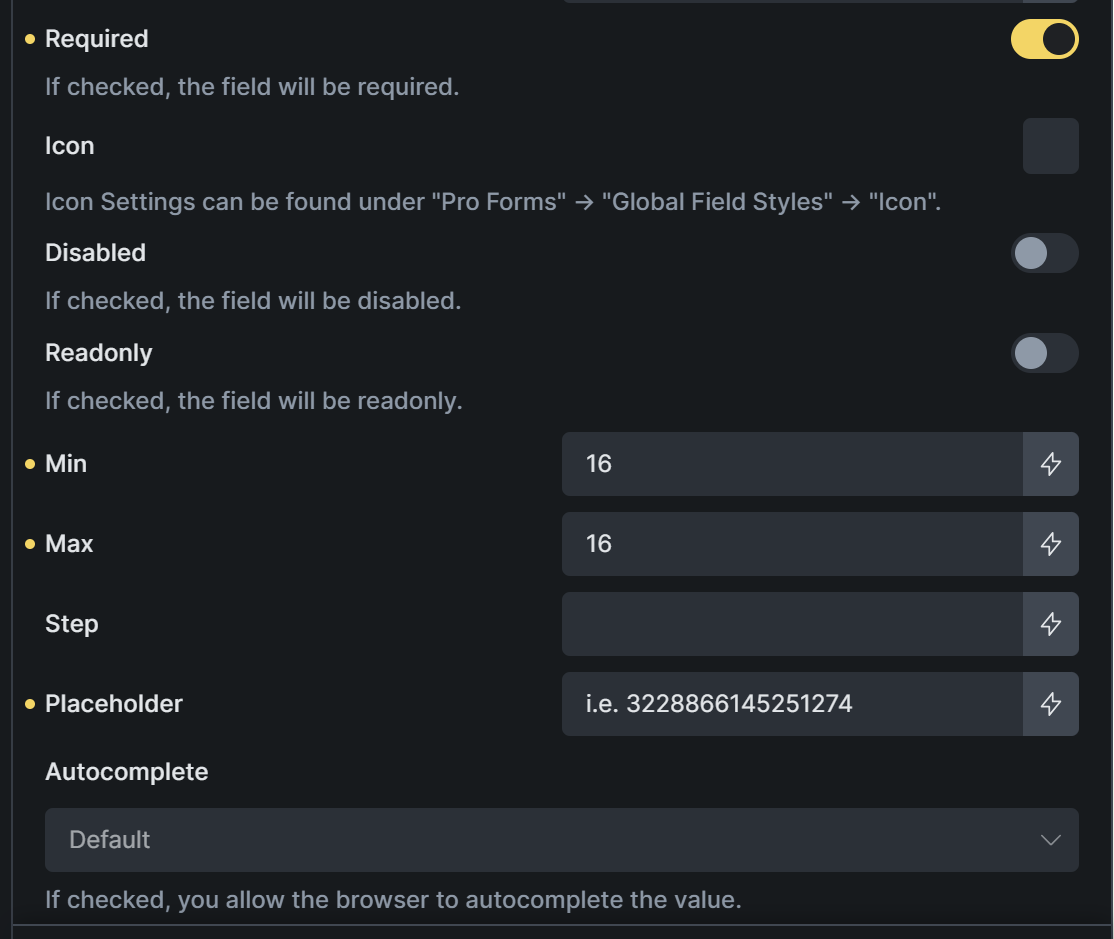
Do I miss anything?

Hi Daniele,

As soon as I enter this validation, I can submit the form while the field is empy:

Can you enter the same and see if you can reproduce it?

This validation doesn’t really make sense for a Number field.

“Minimum characters” applies to text inputs, meaning the string must be at least 16 characters long — which doesn’t fit here.

For your case, just use Required and set MIN to 0 and MAX to 16 in the “General” control group. That should do the trick :slightly_smiling_face:

I see, got it, so I guess for a number 5 characters long, I cound enter something like MIN 10000 and MAX 99999.

Because that MIN and MAX reads the input as a number value and not MIN and MAX number of digits