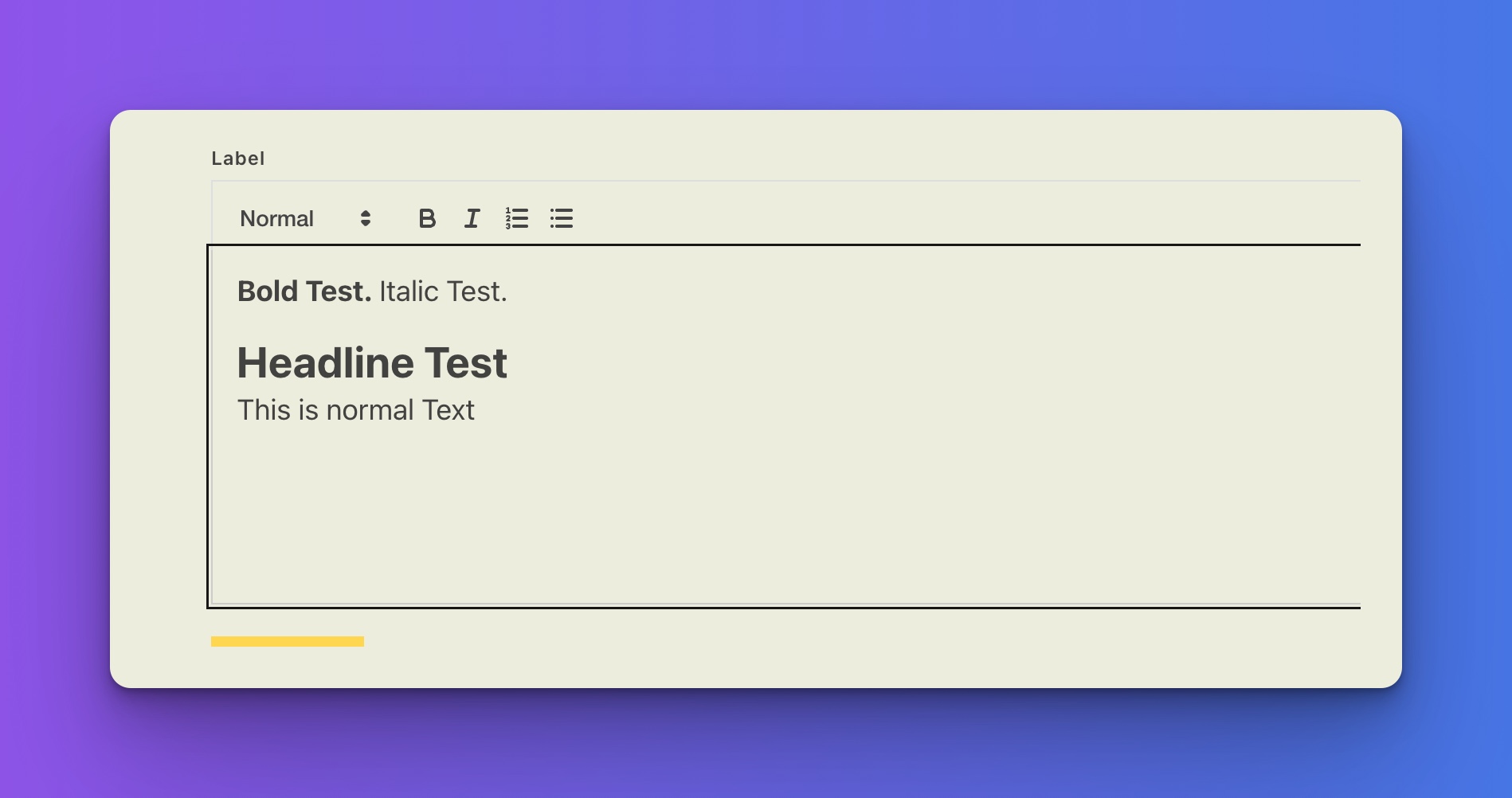
Pro Forms > Rich Text > Flat > Bullet List

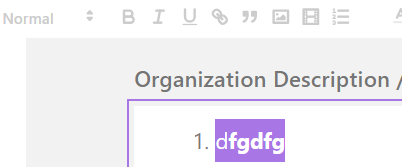
When using the Rich Text editor for a Pro Form if you select some text and click the Bullet List it will force the items into an ordered (numbered) list instead of an unordered bullet list.

Note: I’ve observed this behaviour using Safari. I haven’t tried Chromium or others.

Thats a known issue in the “Quill” library we are using here which still seems to not being resolved: Bullet lists appearing as numbered lists with custom toolbar implementation · Issue #4124 · slab/quill · GitHub

We will take a deeper look soon :slight_smile:

1 Like

bump

Is there a workaround in the meantime?


They’re all broken :expressionless_face:

Cannot reproduce it on my end - using the latest version.
Except the bullet list problem. This seems to be an issue with the version of the script we are using here. Need some more time to debug and find a workaround until there is an offial fix.

But all other tools seems to work. Could you try to clear the cache?
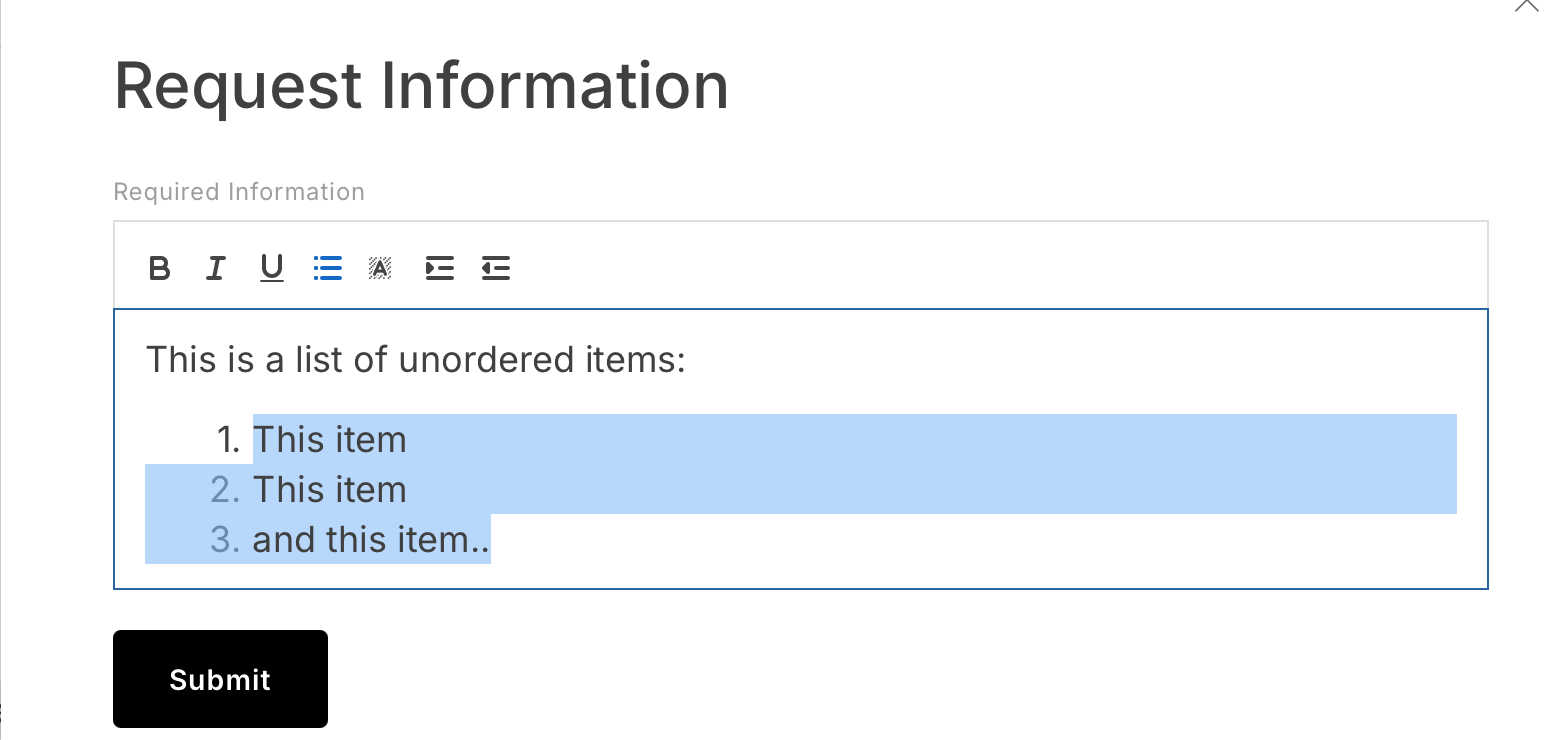
Sorry, I meant all the bulleted lists in each of the 3 styles. The rest of the buttons work fine.

@FTS

I’m not quite sure what is being reported here. Bullet List is a known issue and hasn’t been resolved.

There are two styles, ordered and unordered list. What is the third style? What is the issue you’re reporting?

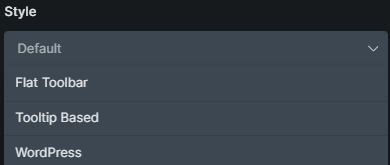
The rich text style, not the list style

I’m not able to produce bulleted lists and I’ve tested all 3. They all default to ordered list