Hi,
I need help with a RangeSlider where i want a dynamic start and stop values.
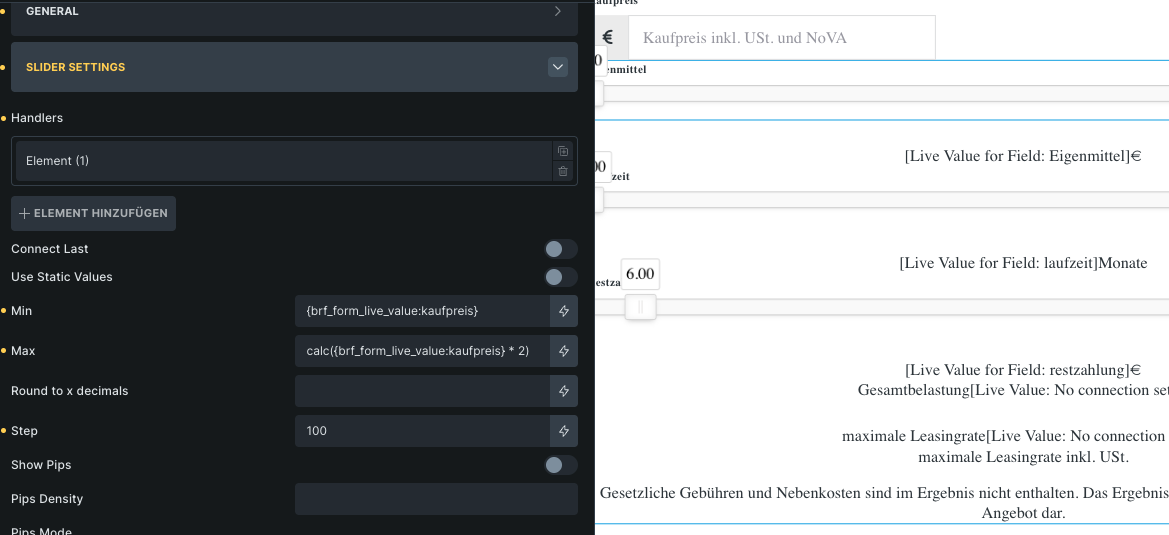
This does not work tho - maybe someone can help!
thanks,
Chris
Hi,
I need help with a RangeSlider where i want a dynamic start and stop values.
This does not work tho - maybe someone can help!
thanks,
Chris
Hi there 
a little late but hopefully still useful:
Number field with a class assigned directly on the input which will be the minimum value
Slider with a class also set directly on the element
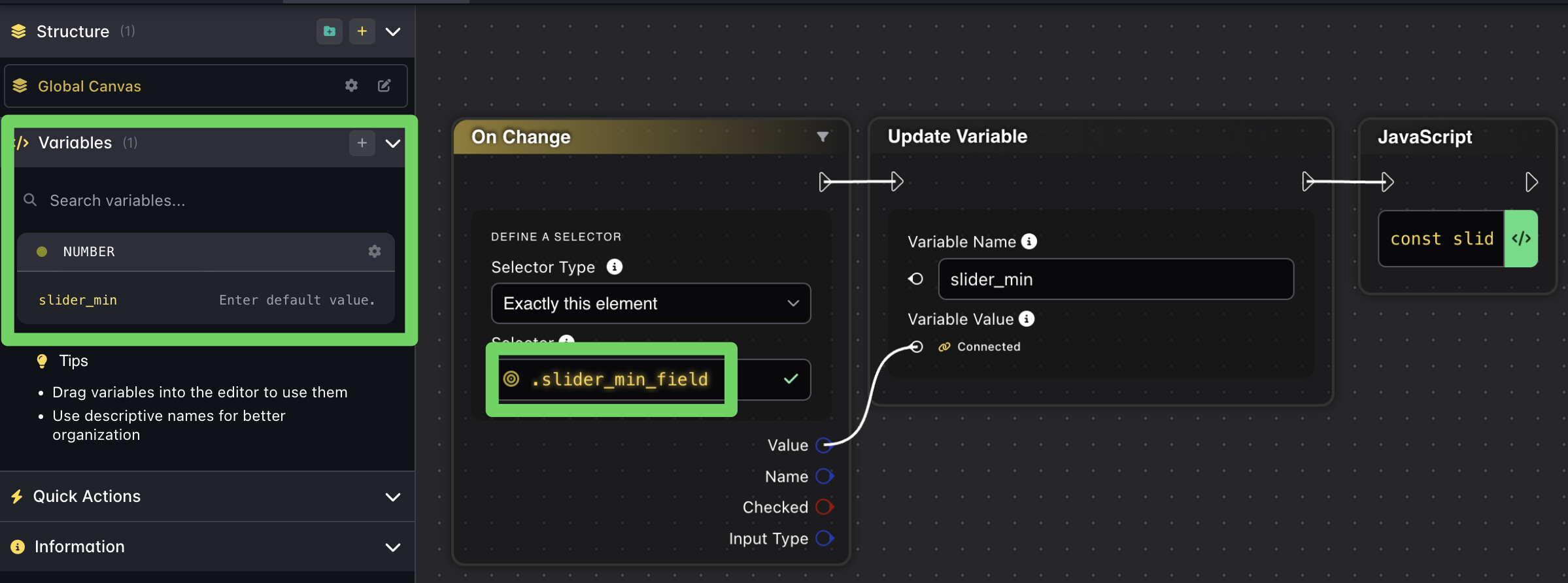
In the Node Editor create:
const slider = document.querySelector('.my_slider_field .slider');
let minVal = Number(dataFlow.slider_min)

slider.noUiSlider.updateOptions({
  range: {
    min: minVal,
    max: minVal * 2
  }
});
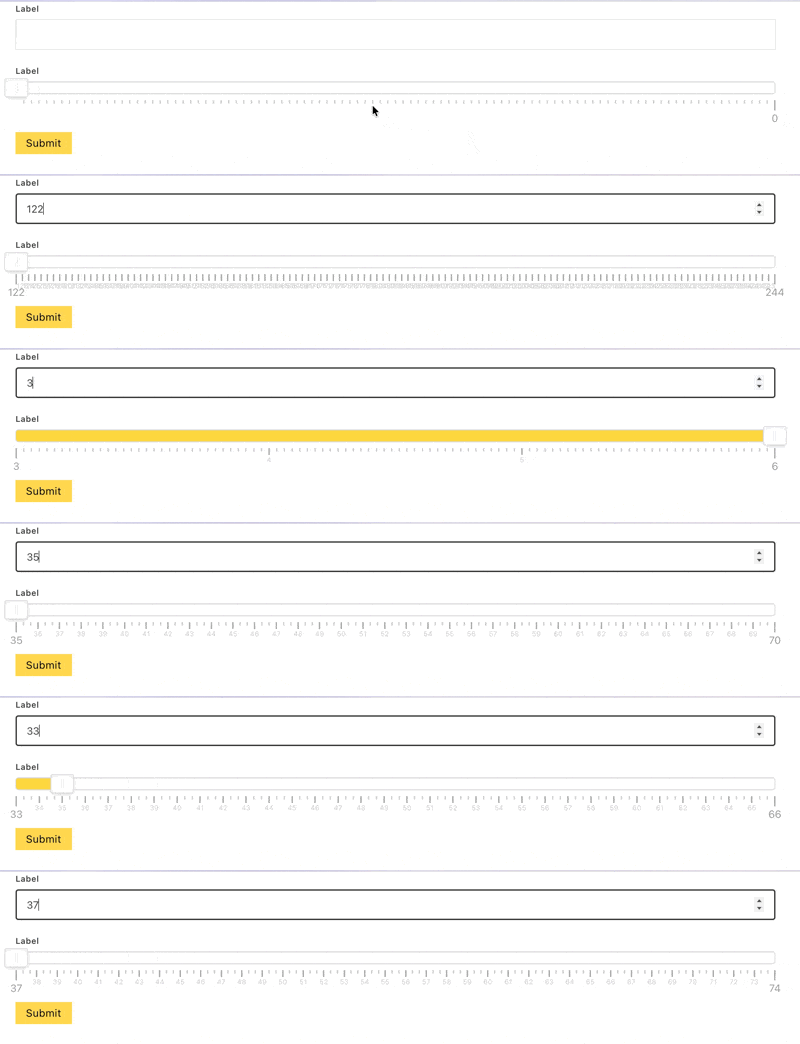
Result:
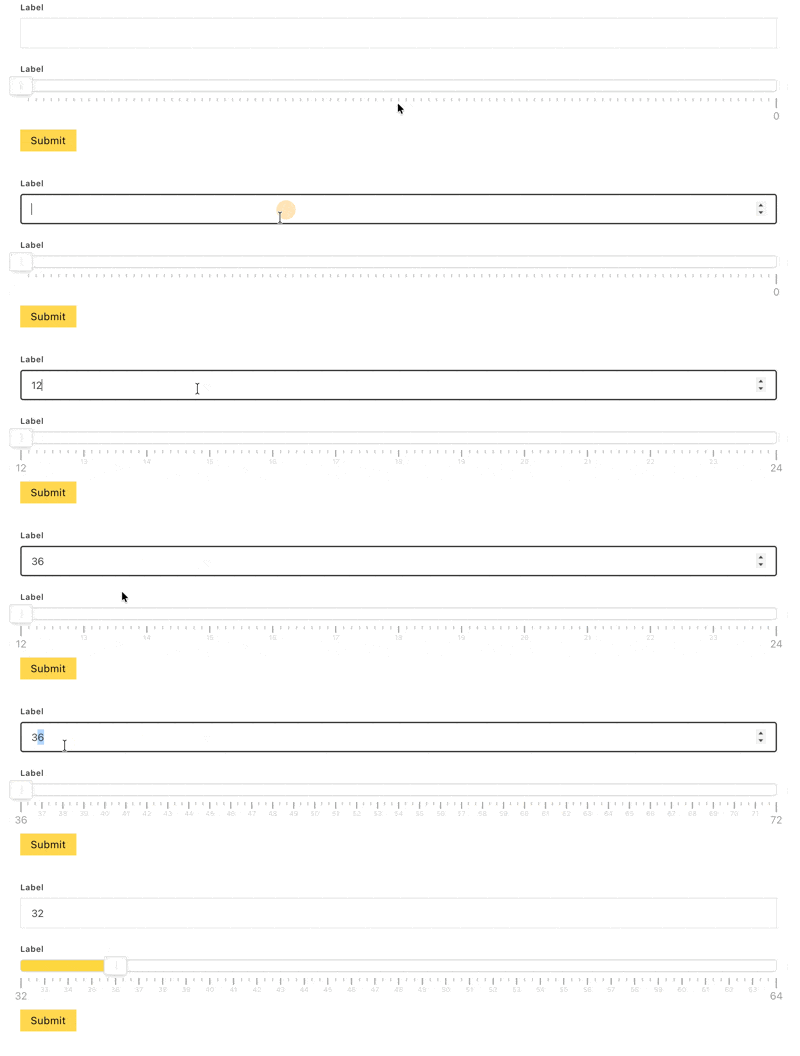
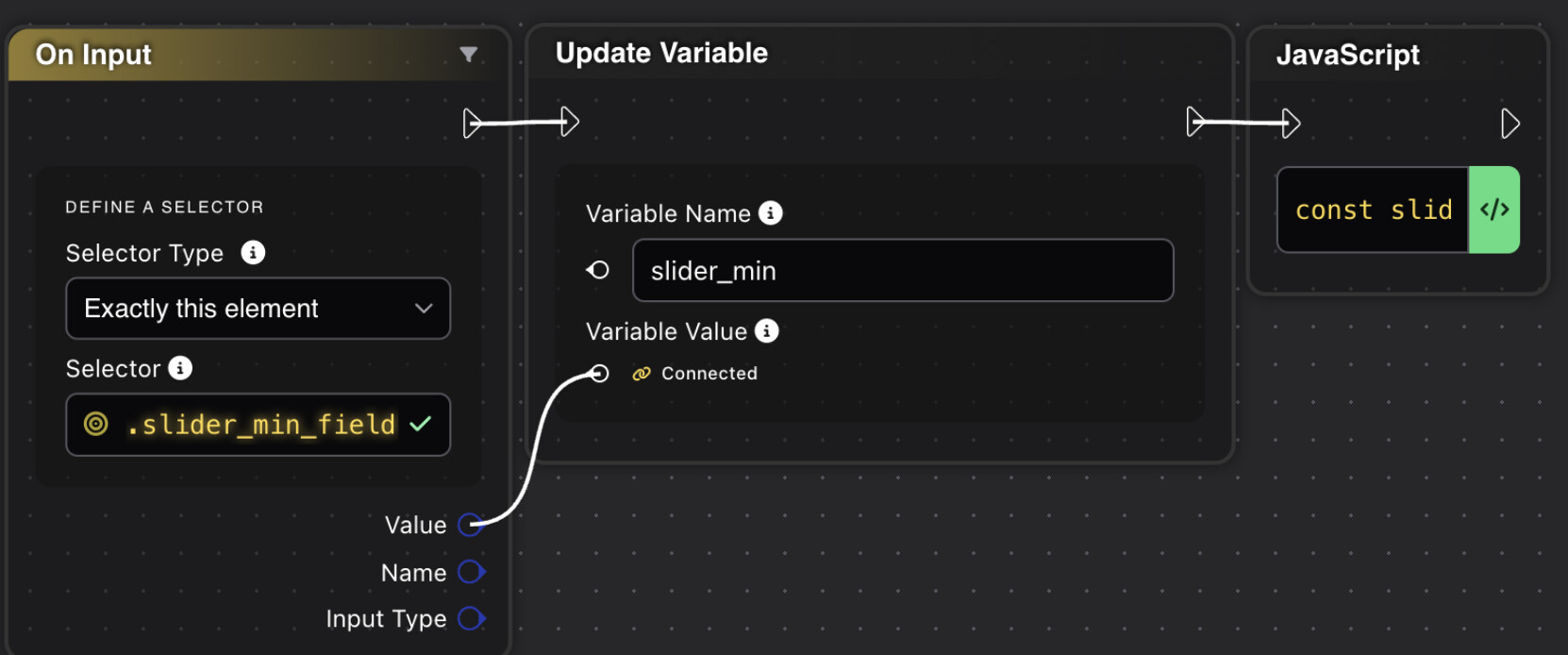
If you want it to happen live as you type into the field instead of just when focusing outside of the field, you’d change the onChange to onInput
thanks a lot !!
i will try