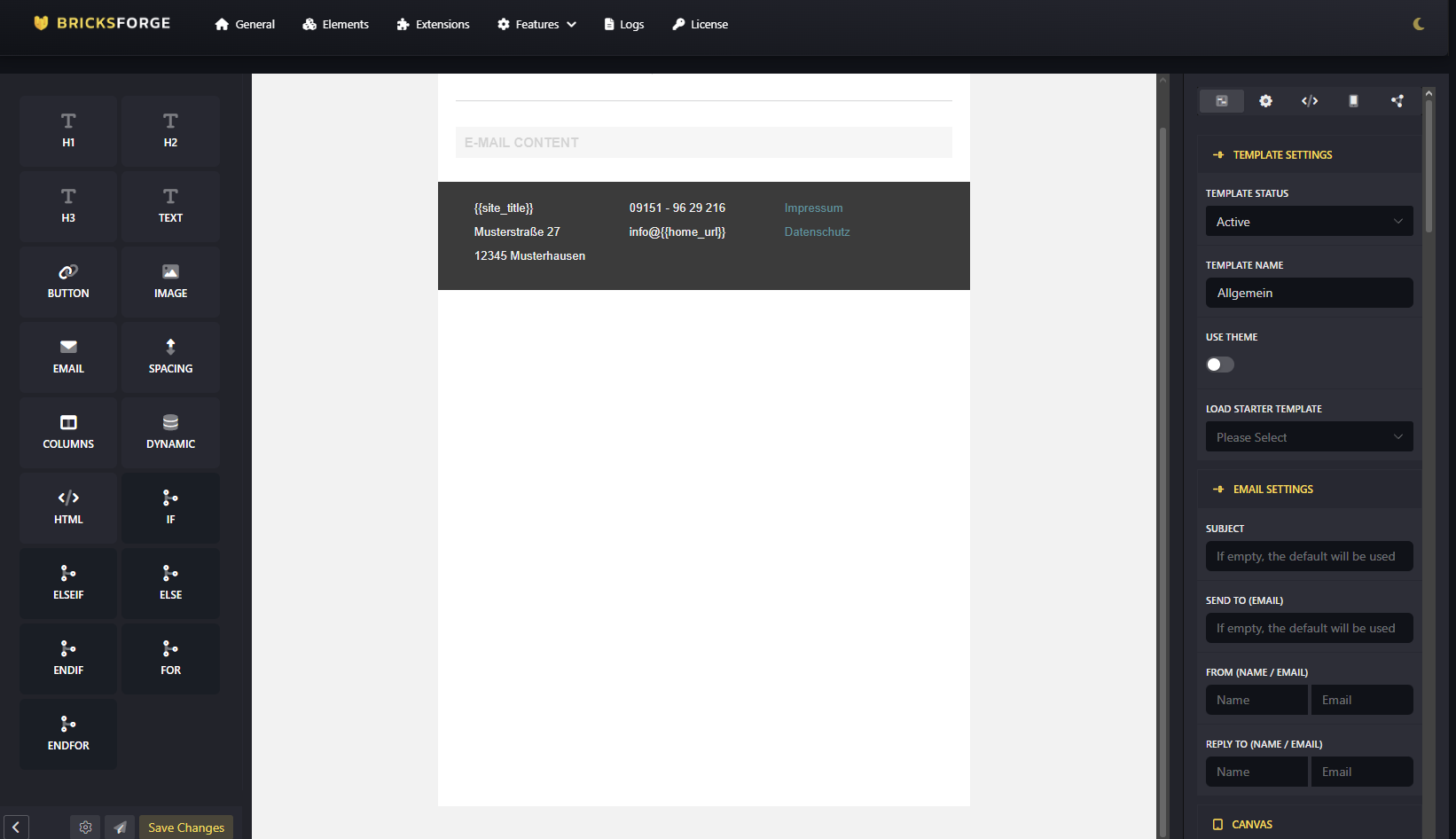
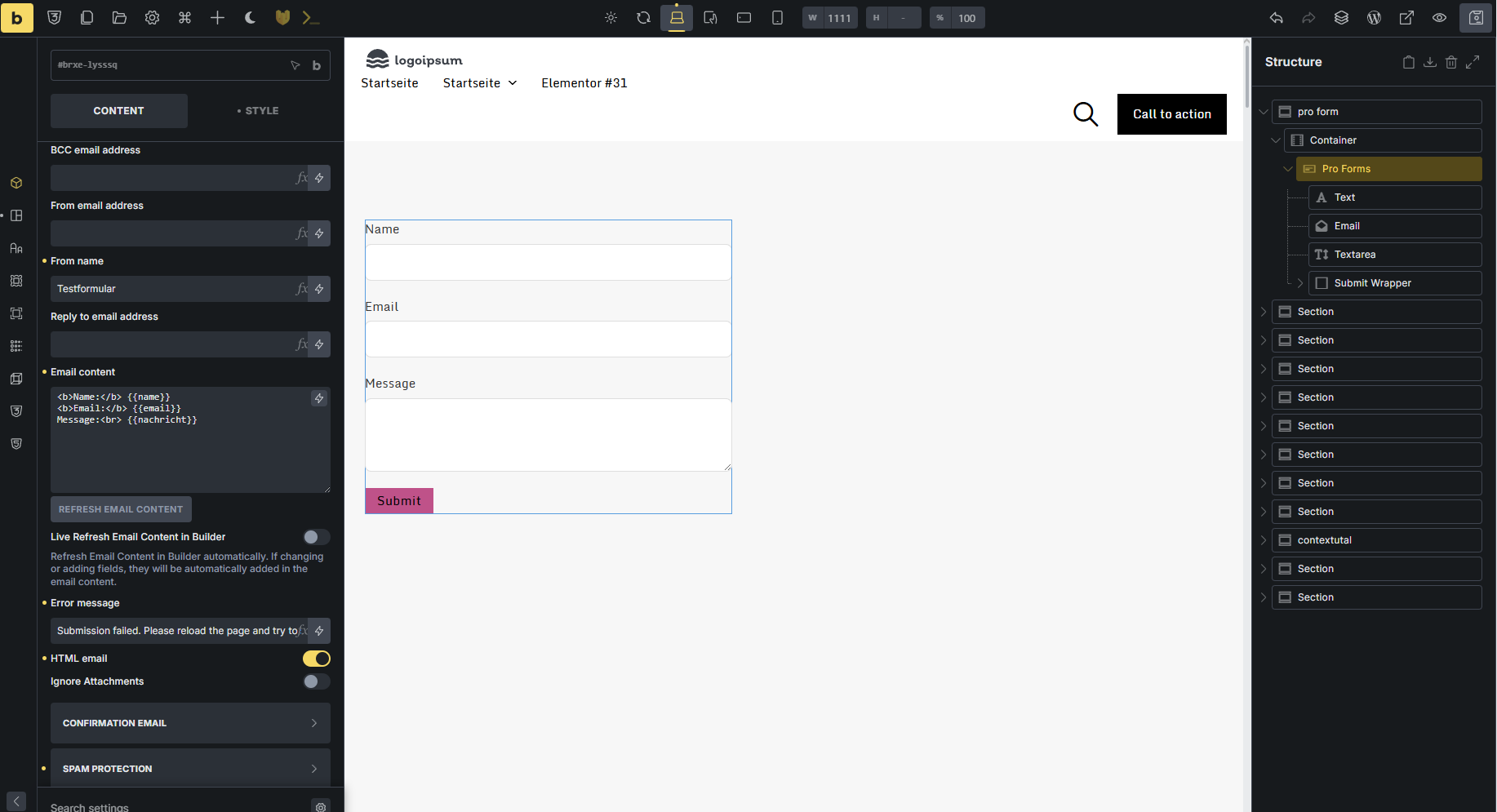
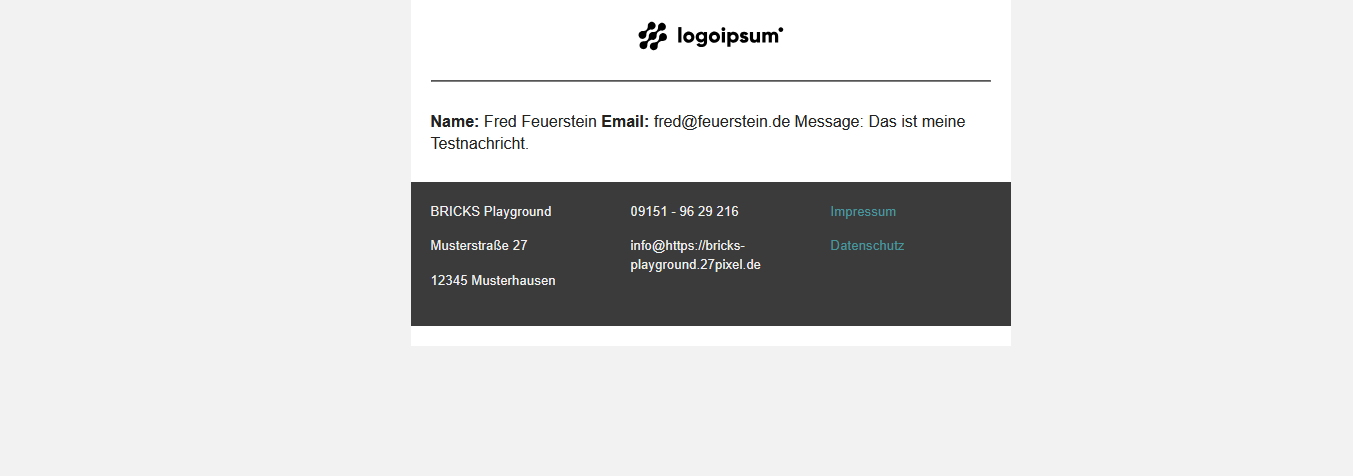
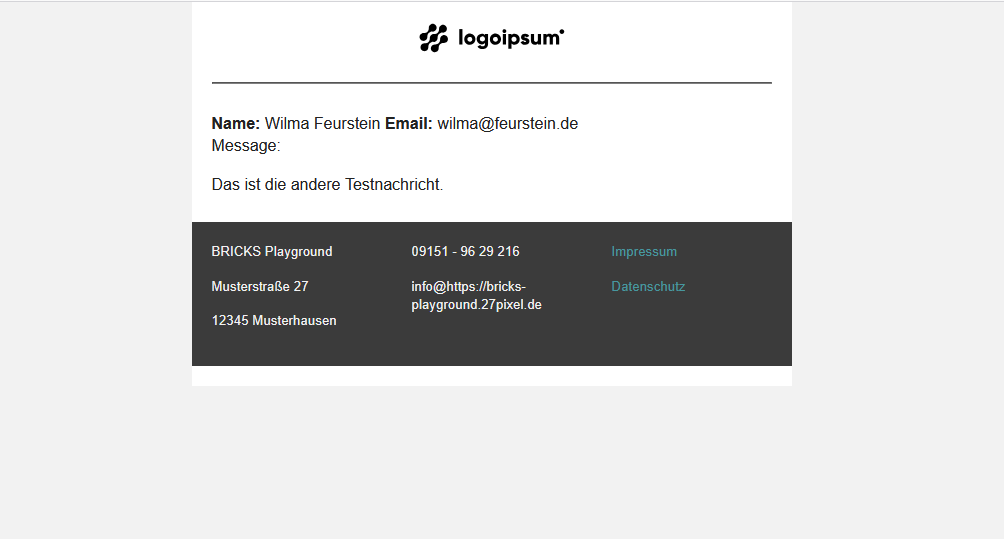
We use ProForms to trigger an email and a confirmation email. We use the Email Designer for styling. Our problem is that as soon as we use an HTML tag such as or in the ProForms settings for the email content, the content area of the email is rendered as a single block of text without styling or line breaks. This happens regardless of whether the HTML email toggle is active or inactive.
This is expected behavior. When you use HTML tags like <p> or <strong> in your email content, the Email Designer assumes you want full control over the formatting.
Why this happens:
The system only applies automatic line break conversion (nl2br) when your content contains no HTML tags. Once any HTML tag is detected, it skips this conversion to avoid creating double line breaks.
If you want to use HTML tags in your email content, you need to handle all formatting with HTML.
Alternatively, if you don’t need inline HTML styling, avoid using HTML tags entirely and just use regular line breaks (Enter key) – those will be automatically converted to <br> tags.
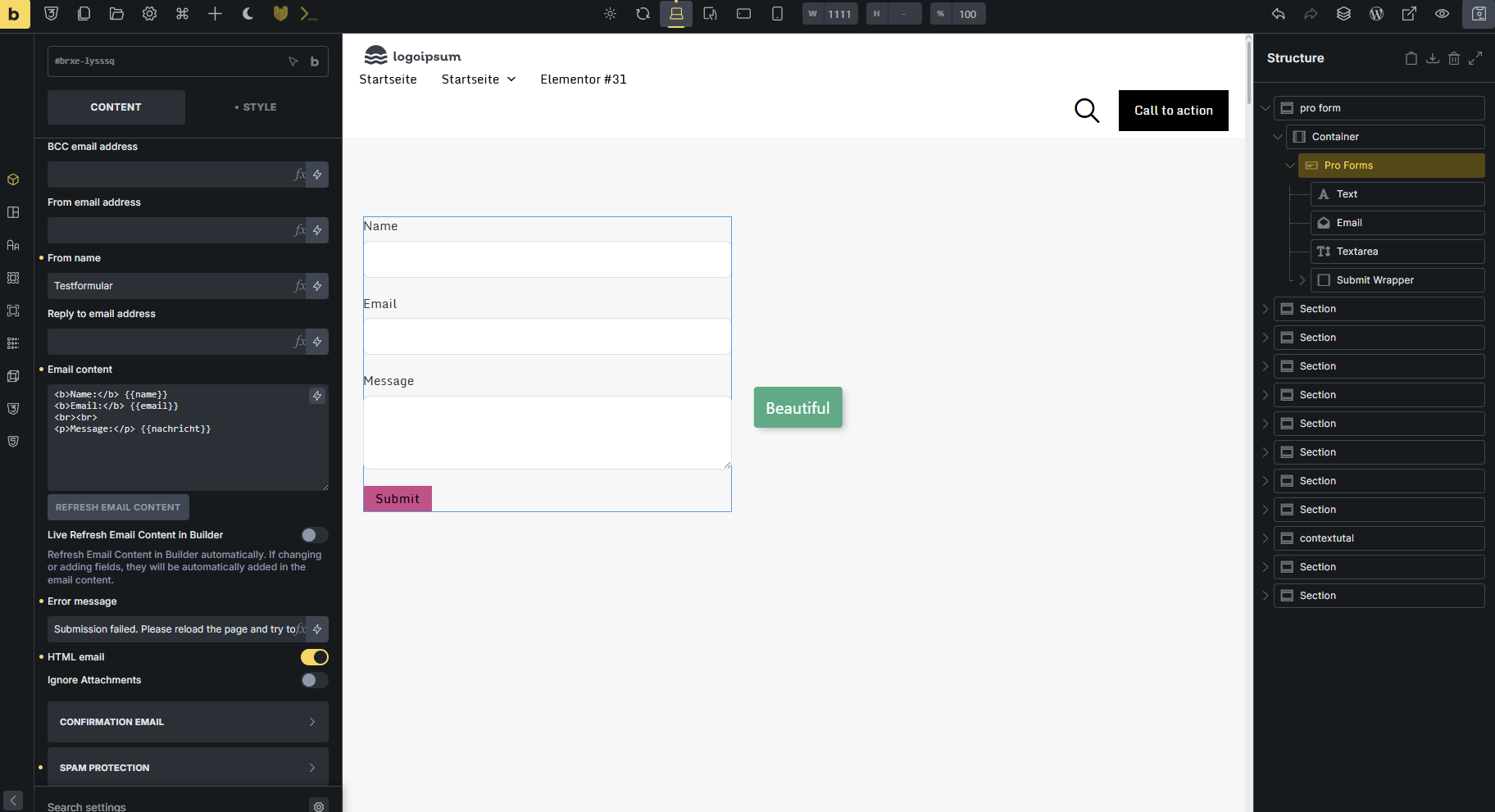
Just to be clear: I want full html control in my email content. But how can I have a simple line-break? It seems to be stipped. b-tag or p-tag works. But br won’t work…