Yesterday, I tried to solve this problem with Claude’s help, since it was affecting several websites I’d built in the past. Below is a summary of what I discovered. I apologize if this is a bit long, but I think it might be helpful to other users facing the same issue and to assist the Bricksforge team in implementing better solutions than the temporary workarounds I’ve found:
Summary
After updating Bricksforge to v. 3.1.8.6, all existing SplitText animations (types: Chars and Words) are visually broken on the frontend. The JavaScript/ScrollTrigger side still works (e.g. color animations run correctly), but the layout is broken. The root cause is the GSAP 3.13 SplitText rewrite: the new SplitText no longer applies display: inline-block to word wrappers by default, and Bricksforge’s integration doesn’t compensate for the new defaults.
Issue 1 – Words break mid-word (Chars/Words split)
With the old version, .brf-split-words spans received style="position:relative;display:inline-block;" inline, which kept each word unbreakable. With the new version, the same spans are rendered with no inline display styling at all, so the browser wraps lines inside words (e.g. “artworks” renders as “artw / orks”).
Issue 2 – overflow:hidden clip/reveal effects no longer clip
A common pattern is applying overflow: hidden to .brf-split-words via CSS to mask characters translating up from below. Since the word wrappers are now inline elements, overflow: hidden has no effect (per CSS spec it doesn’t apply to inline boxes), so the text is visible below its final position before the animation runs.
Issue 3 — Split Text actions with no animated properties are never executed
A “Split Text: Lines” action that doesn’t animate any property is no longer executed on the frontend at all. This breaks the common double-split technique for line-reveal effects (see this thread for a step-by-step tutorial on how to make this type of animation before Bricksforge 3.1.8.6: How to add Line Wrapper for GSAP Splittext).
Root cause
The GSAP 3.13 SplitText rewrite intentionally applies fewer inline styles and moved the old implicit behaviors to explicit opt-in options:
smartWrap: true → wraps words in a span with white-space: nowrap when splitting by charsmask: "lines" | "words" | "chars" → natively creates the extra clipping wrapper for reveal effects
Bricksforge currently passes neither, so all animations built on the old defaults break.
Suggested fix
- Enable
smartWrap (or re-apply display: inline-block to word wrappers) when splitting by Chars/Words, to restore backward compatibility with existing sites.
- Expose the new
mask option in the Split Text settings of the Panel — this would make clip/reveal effects work natively without the double-split workaround.
- Consider
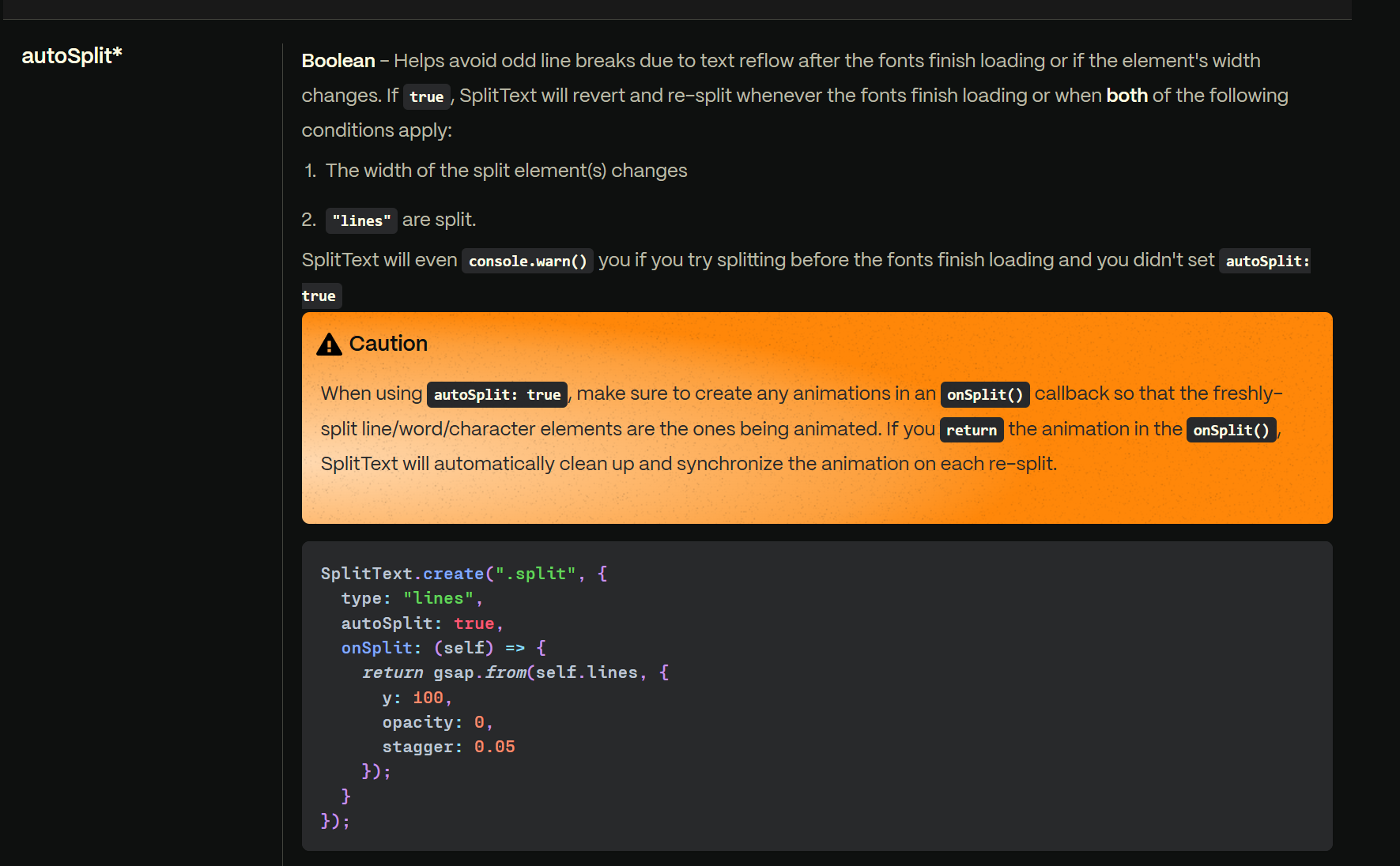
autoSplit: true support for responsive re-splitting.
Current workaround (for other users)
For issues n. 1 and 2:
Adding this CSS globally restores Chars/Words behavior:
.brf-split-words {
  display: inline-block;
  white-space: nowrap;
}
For issue n. 3:
Adding a no-op property (e.g. translate y: 0%) to the property-less split makes it execute again, the nested structure is generated correctly, and the reveal effect works as before. So re-splitting itself works fine in the new SplitText — the only bug is that property-less split actions are skipped. Suggested fix: always execute the split when “Use Split Text” is enabled, regardless of animated properties (and ideally expose the new GSAP mask option, which would make the double-split technique unnecessary).