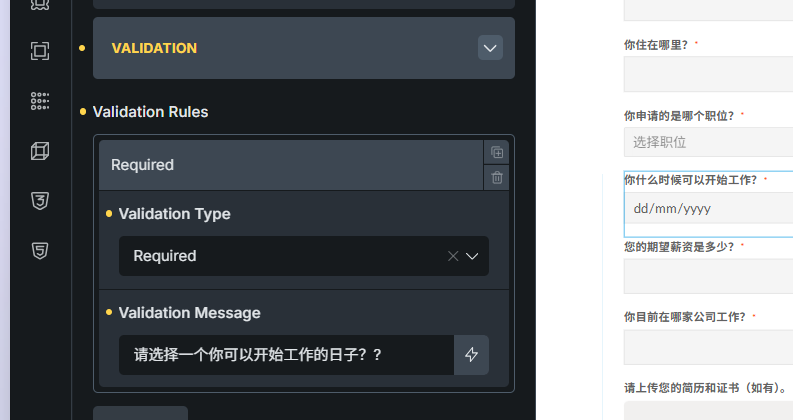
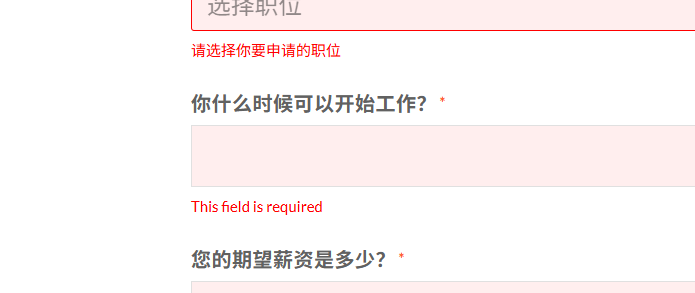
I’ve tested this extensively on my end and custom validation messages are working correctly for date fields. Let me walk you through the steps to make sure everything is configured properly:
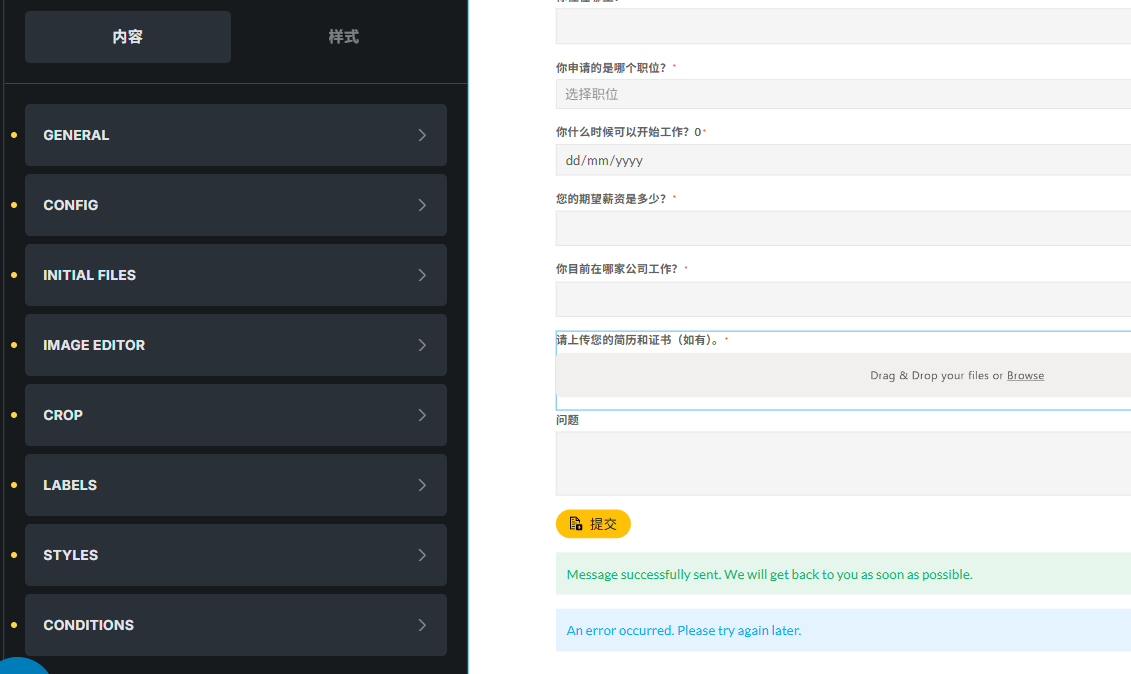
Open your Date field settings
Go to the “Validation” tab
Click to add a new validation rule
Select Type: “Required”
Enter your custom message in the “Message” field
Optionally enable “Live Validation” if you want immediate feedback
Important: Simply setting the field as “required” (the checkbox) is not enough for custom messages. The browser will show its native validation message in that case. You need to explicitly add a validation rule with your custom message in the Validation tab.
If you’ve already done all of this and it’s still not working, could you share a bit more detail about your setup? For example:
Are you using any specific date format settings?
Is the field inside a repeater?
Do you have any custom JavaScript that might interfere?
A screenshot of your validation settings would also help me understand what might be going wrong.